



Winna keeps a watchful eye on your keyword positions across search engines, updating data daily so you never miss a shift in rankings. The platform surfaces winning keywords that drive traffic and highlights opportunities where your competitors outrank you, giving you a clear direction for content and link-building efforts. Instead of guessing which terms to target, you get a clean, actionable list tied directly to your site’s performance.
With Winna you can set up instant alerts for changes in search visibility, new backlinks, or sudden drops in organic traffic. The system scans your site continuously and sends a notification straight to your dashboard or email as soon as something noteworthy happens. This live feed means you can react to algorithm updates or competitor moves within hours, not days, keeping your SEO strategy agile and informed.
Winna brings keyword research, rank tracking, site audit, and competitor intelligence together in a single dashboard. Instead of juggling half a dozen separate tools, you get one consolidated view of your entire online presence. The interface organizes data into clean, drill‑down reports that make it easy to spot trends, compare performance across campaigns, and share white‑labeled reports with clients or stakeholders without switching platforms.
Head over to winna.com and click the prominent “Get Started” button in the top right corner. You can sign up using your Google or Facebook account, or enter your email address and create a password. The entire process takes less than thirty seconds. Once you’re in, you’ll land on the main dashboard. This is your command center: a clean interface that lists your recent projects, suggested templates, and quick access to Winna’s extensive library of design assets. Take a moment to explore the left sidebar – it organises everything from templates to uploaded files, so you know where everything lives from day one.
Now it’s time to start creating. Winna provides two straightforward paths: browse its curated collection of ready‑made templates, or begin with a blank canvas. Templates are sorted by category — social media graphics, presentations, posters, flyers, and more. Each template is fully customisable, so you can swap colours, replace placeholder text, and rearrange elements without any design experience. If you prefer a blank slate, click “Create a design” and choose your preferred dimensions (Instagram Story, A4, custom pixels, etc.). The editor opens immediately, offering a spacious work area with drag‑and‑drop functionality. This is where your idea takes shape.
After you’re happy with the design, exporting is a breeze. Click the “Export” button in the top‑right corner of the editor. Winna lets you download your work as PNG, JPG, PDF (standard or print‑ready), or SVG. You can also adjust the image resolution to fit your use case, from web‑optimised to high‑DPI printing. Need to share your design with teammates or clients? You can copy a direct shareable link straight from the export panel. That link preserves the current version, so you don’t have to worry about accidental changes. One last thing: every project auto‑saves to your account, so you can always come back later and make edits without starting over.
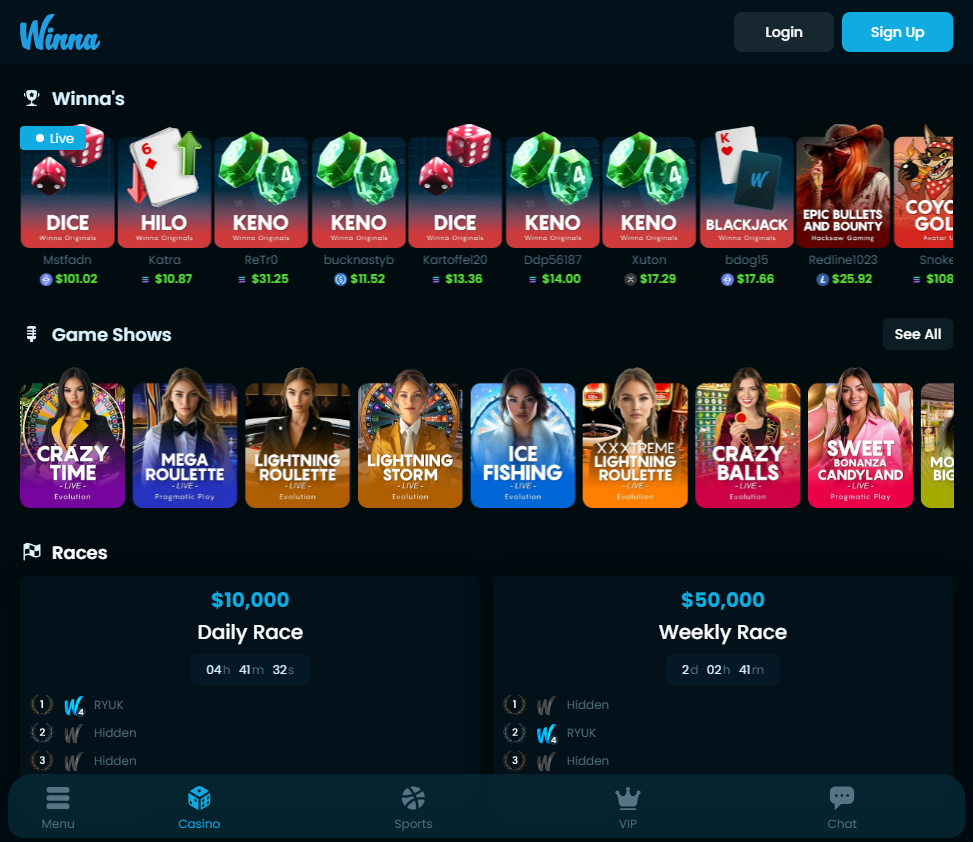
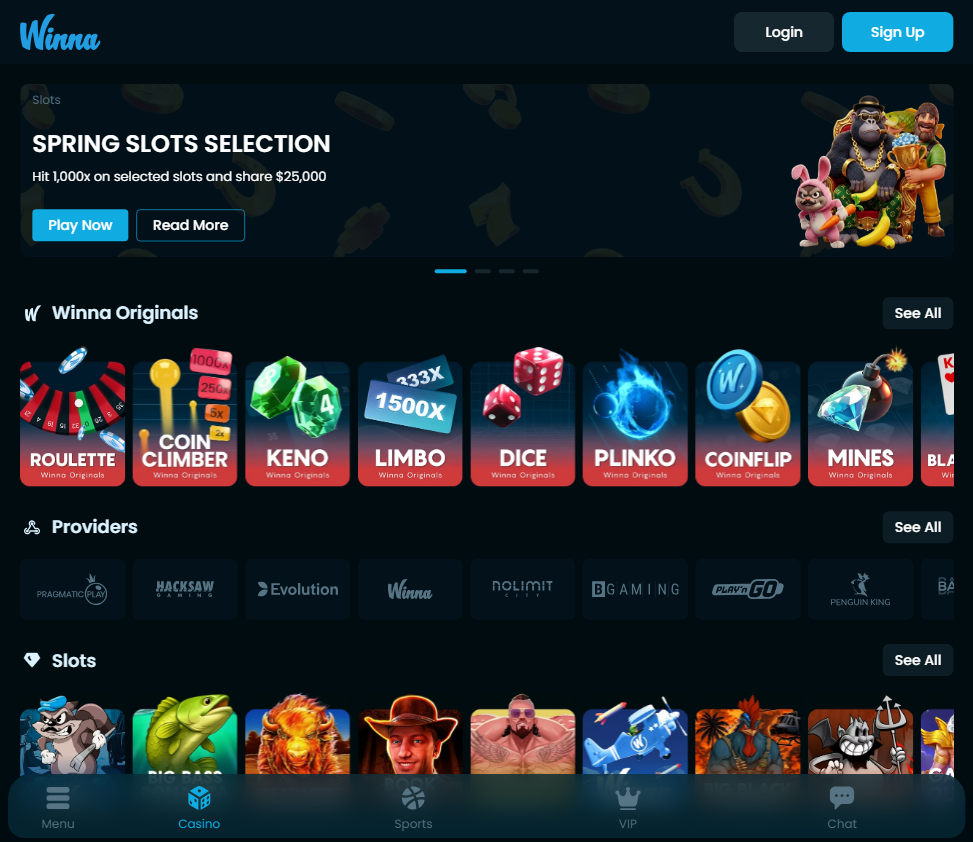
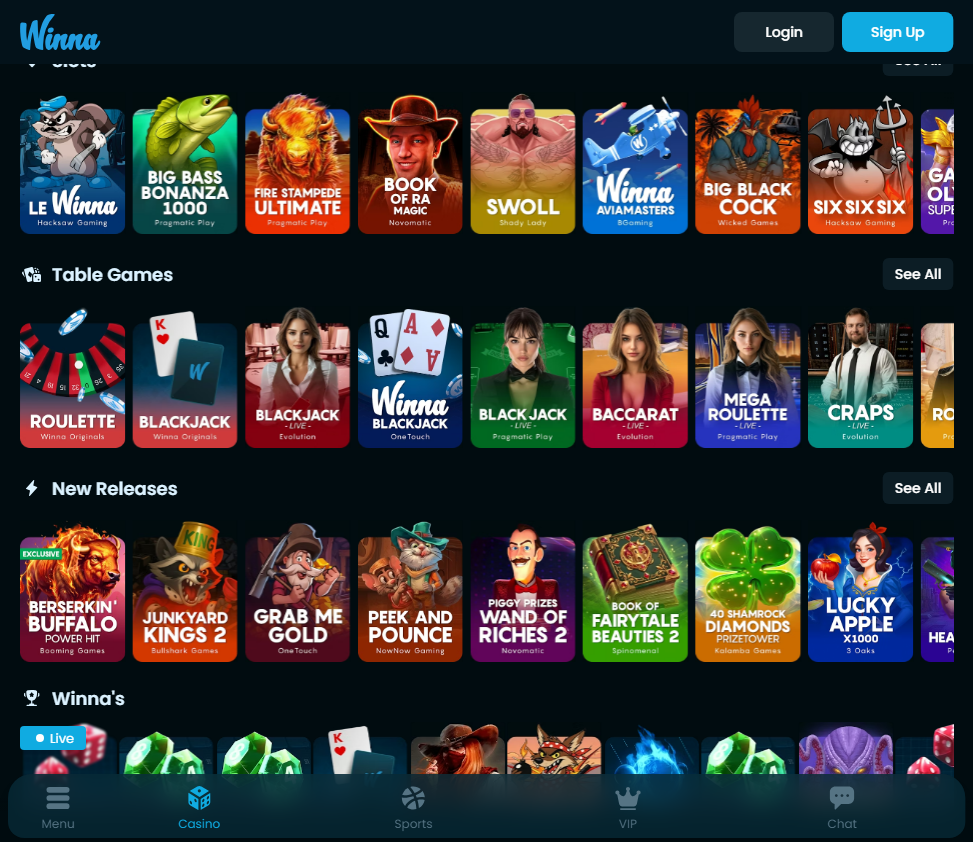
Experience next-generation gambling at Winna. Bet on sports, spin slots and play live casino with Bitcoin, Ethereum, USDT and more.
What exactly is Winna and who is it designed for?
Winna is an AI-driven content creation platform built for marketers, writers, entrepreneurs, and anyone who needs to produce polished written material quickly. Unlike generic language models, Winna is fine-tuned to generate copy that aligns with brand voice, audience expectations, and specific business goals. You can think of it as a collaborative writing partner that handles everything from blog posts and social media captions to email sequences and landing page copy. The platform offers a library of templates tailored to different industries, along with the ability to train the AI on your own existing content for consistent tone and style. Whether you’re a solo freelancer or part of a large marketing team, Winna adapts to your workflow.
How does Winna ensure the content it generates is original and not plagiarized?
Winna uses advanced transformer models that produce text from scratch based on your prompts and context, rather than copying from an existing database. Every piece of content is generated uniquely, and the platform includes an integrated plagiarism checker that scans against billions of web pages and academic sources. You can also set the “creativity” slider to control how closely the AI follows typical patterns — lower settings yield more predictable, fact-based output, while higher settings encourage novel phrasing. For professional use, Winna provides a detailed originality report with each generation, so you can confidently publish without worrying about duplication issues.
Can Winna handle multiple languages, and how accurate are the translations?
Yes, Winna supports over 30 languages, including English, Spanish, French, German, Mandarin, Arabic, and Japanese. The multilingual capability isn’t just a simple translation layer; the AI is trained on native corpora for each language, meaning it understands idioms, cultural references, and local writing conventions. When you switch between languages, Winna retains the context and adjusts the tone accordingly. For example, if you’re drafting a formal email in German, the AI will use appropriate Sie-form phrasing, while a Spanish marketing post will adopt the nuanced regional variations. Users consistently report that the output reads naturally, as if written by a mother-tongue speaker.
What kind of templates and use cases does Winna offer?
The platform comes with a curated template library organized by content type and industry. You’ll find templates for blog articles, product descriptions, ad copy, press releases, newsletters, LinkedIn posts, video scripts, and more. Each template includes guided prompts that ask you to input key details like target audience, desired tone, and core message. Beyond prebuilt templates, Winna allows you to create custom templates — perfect for agencies or in-house teams that follow a specific brand format. The AI also learns from your feedback: if you tweak a generated paragraph, Winna remembers your preferences for future sessions, gradually molding itself to your style.
Is there a limit to the length of content Winna can generate in one session?
Winna doesn’t impose a hard character limit per generation. You can ask it to produce a 2,000-word article in one go, or generate short snippets one at a time. The system uses a token-based approach where longer outputs may take a few extra seconds, but the quality remains consistent. For very long pieces, the platform automatically divides the content into logical sections and allows you to continue generating from any point. Many users find it more efficient to generate a full outline first, then expand each section individually — this gives better control over structure and flow. There’s also an “expand” feature that can lengthen a paragraph without repeating points.
How does Winna handle sensitive topics or industry-specific jargon?
Winna employs a customizable vocabulary list where you can add industry terms, brand names, acronyms, and words you want the AI to always use or avoid. For sensitive topics like health, finance, or legal matters, the platform includes a “safe mode” that filters out speculative or unverified claims. You can also upload a style guide or glossary, and Winna will reference it throughout the session. If you’re writing about a niche subject — say, quantum computing or rare disease research — the AI can be fed a few paragraphs of background material to build context before generating. This ensures the output is accurate and doesn’t sound generic.
Does Winna support collaboration among team members?
Absolutely. Winna offers shared workspaces where multiple users can access the same projects, templates, and brand assets. You can assign roles and permissions — for example, a copywriter can draft, an editor can review and tweak, and a manager can approve final versions. The version history feature tracks every change, so you can roll back to a previous draft if needed. Real-time commenting and suggestions are also available, similar to Google Docs. For remote teams, Winna integrates with Slack and Microsoft Teams, sending notifications when content is ready for review or when a colleague makes an edit. This makes it easy to maintain a consistent workflow without hopping between tools.
What’s the pricing model, and is there a free trial?
Winna operates on a subscription basis with three tiers: a free plan that gives you limited monthly credits (enough for casual use), a Pro plan for individuals and small teams, and an Enterprise plan with unlimited usage, dedicated support, and on-premise deployment options. The free trial includes full access to all features for 7 days, no credit card required. After the trial, you can continue with the free tier or upgrade. Enterprise pricing is custom — you negotiate based on team size, data storage needs, and any special integration requirements. Many users appreciate that the free plan actually allows them to test the AI’s quality extensively before committing.
How does Winna compare to other AI writing tools like Jasper or ChatGPT?
Winna distinguishes itself through its deep focus on brand consistency and collaborative workflows. While other tools excel at general conversation or one-off content, Winna is built around maintaining a unified voice across long projects and multiple team members. Its template system is more structured, and the ability to train the AI on your own content — not just a one-time prompt but an ongoing learning process — gives it an edge for businesses that need to preserve a distinct identity. Additionally, Winna’s built-in plagiarism checker and multilingual support are more robust than what most competitors offer out of the box. However, for simple brainstorming or quick answers, ChatGPT might be more straightforward. The choice really depends on whether you need a scalable content machine or a versatile chat assistant.
What kind of support and resources does Winna provide for new users?
Winna offers a comprehensive knowledge base with video tutorials, written guides, and case studies showing how different industries use the platform. There’s also a community forum where users share prompts and tips. For paid plans, live chat support is available 24/7, and Enterprise customers get a dedicated account manager who helps with onboarding and custom training. The platform regularly releases feature updates — usually monthly — based on user feedback. New users are encouraged to start with the “quick start” wizard that walks them through creating their first project and setting up brand guidelines. Overall, the learning curve is gentle, and even beginners can produce high-quality content within an hour of signing up.
 English
 Français
 Deutsch
 Español
 Italiano
 Português